Lost DS-160 Application ID? How to Recover It (2026–2027)
How to find a lost DS-160 application ID, what CEAC needs to reopen your form, what to do if you forgot your security answer, and the 2026 rules that make a mismatched DS-160 number cost you an interview.
Last reviewed: October 8, 2026.
You started or submitted a DS-160 and no longer have the application ID. This guide sets out what the official DS-160 site needs to reopen your form, where the ID is usually still written down, and when the only way forward is a new DS-160.
The short answer
- You need the application ID to reopen a DS-160. The State Department’s DS-160 FAQ says: “You must have your application ID to return to your application.” No official page describes a way to look it up by name, email or passport number.
- The ID is often still somewhere you can reach: your confirmation page or its PDF, the confirmation email, your visa appointment account, a screenshot, or the records of whoever helped you apply.
- An unsubmitted DS-160 can be reopened for 30 days. After that, only a saved application file brings it back.
- A submitted DS-160 is not lost. You can reprint its confirmation page with the ID, even months later.
- If you have the ID but forgot your security answer, there is no reset. You need a new DS-160.
Find your situation
| Your situation | What to do |
|---|---|
| You have the confirmation page, its PDF or the confirmation email | The ID is printed on it. Reprint or reopen from there. |
| You booked an appointment | Sign in to your appointment account: the DS-160 number you entered is there. |
| You have the ID and your security answer | Retrieve the application on the official site (steps below). |
| You have the ID but forgot the security answer | Complete a new DS-160. |
| Unsubmitted, more than 30 days old, no saved file | Complete a new DS-160. |
| Submitted, and the site says it is “archived” | Wait about 15 minutes and retrieve it again. |
The application ID and the confirmation number are the same code
The application ID is the 10-character code starting with “AA” (for example AA00EXAMPL) shown at the top of every page while you fill in the DS-160. After you submit, the same code is printed on your confirmation page with a barcode, and embassies call it the confirmation number or barcode number.
Official pages use the terms interchangeably. The State Department FAQ asks you to bring “your confirmation page with your application ID number on it so we can retrieve your DS-160”, and says a lost confirmation page is reprinted by entering “your application ID number”. The U.S. Embassy in Estonia tells applicants to check that “the Visa Application ID Number (DS-160) matches the number in the Visa Appointment System”. So wherever you find your confirmation number, you have found your application ID.
The one exception is historical: DS-160s submitted between April 1 and November 1, 2010 used the barcode number in the application ID field, according to the FAQ.
Where to look for the ID
- Your confirmation page or its PDF. If you printed, saved or photographed it, the ID is on it.
- Your email. After submitting, the confirmation page offers to email a copy to you. Search every inbox you use, including spam, for “DS-160” or “CEAC”.
- Your visa appointment account. You entered the DS-160 number to book. The scheduling site differs by country (for example ais.usvisa-info.com, ustraveldocs.com, usvisascheduling.com or usvisaappt.com), so start from your embassy’s visa page.
- Screenshots, notes, browser history and downloads. A saved application file or a photo of the first page often holds it.
- Whoever helped you. A visa agency, employer, school or attorney who prepared or reviewed the form usually keeps the ID.
If none of these has it and the DS-160 was never submitted, you will have to start a new one. If you did submit it and booked an appointment, the appointment account is the place to look; contact your appointment service’s support centre if you cannot sign in.
How to retrieve a DS-160 with the ID
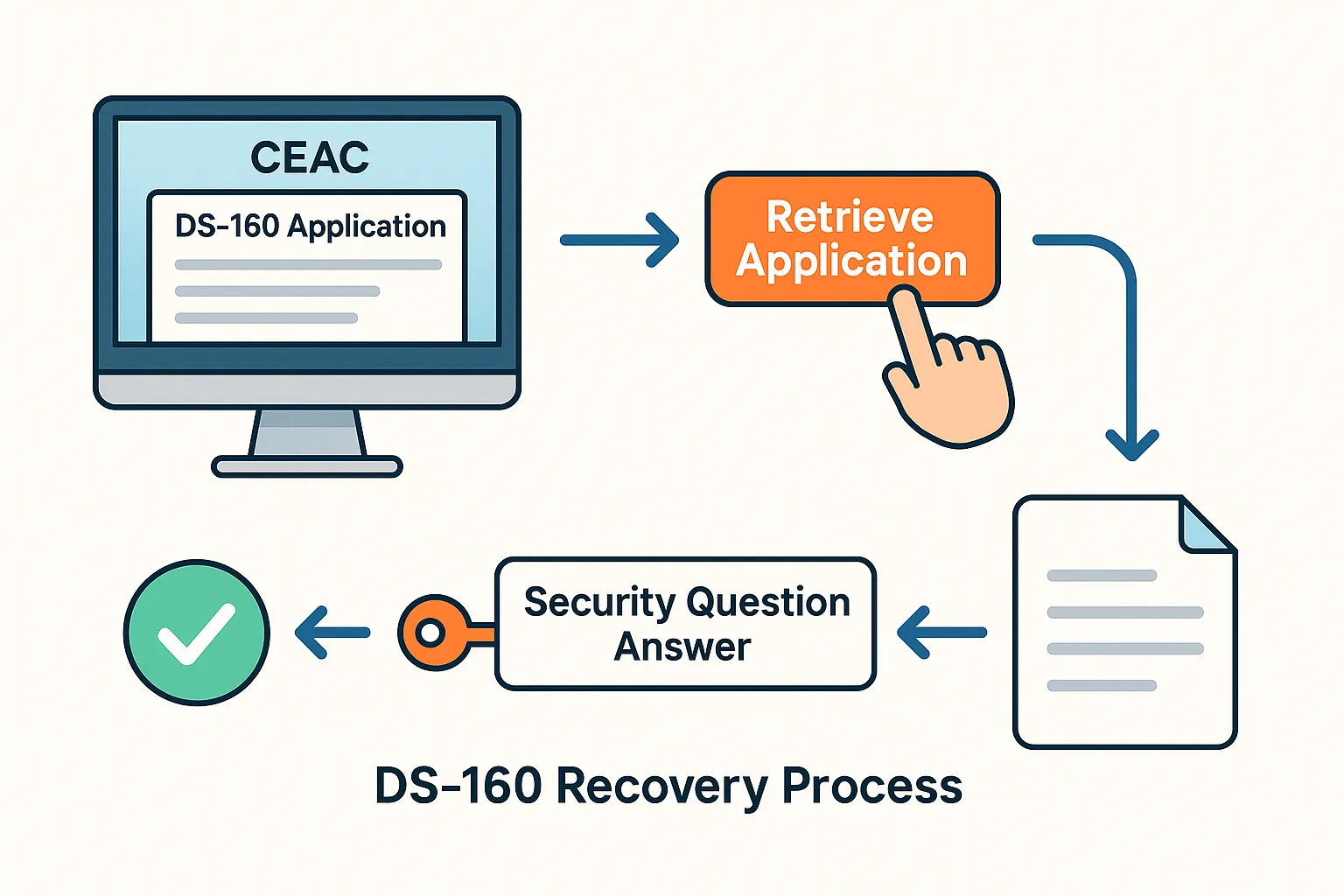
On the official DS-160 site, ceac.state.gov/genniv:
- Select the location where you will apply.
- Choose Retrieve an Application.
- Enter the application ID.
- Enter the first five letters of your surname, your year of birth and the answer to your security question, exactly as you set them.
The U.S. Embassy in Japan lists the same four items and warns “there is no reset for the security question”.
Unsubmitted applications. The FAQ says: “You have 30 days to return to a partially completed application.” After that the form is gone from the site, unless you used Save Application to File. That file can be uploaded later with Upload a Previously Saved Application, and you carry on from where you were. Many guides say the 30 days count from your last save rather than from when you started; the FAQ does not say either way.
Submitted applications. You can retrieve a submitted DS-160 to reprint its confirmation page. If it was submitted more than 30 days ago, the site may say it “has been archived” and that it “will take approximately 15 minutes to retrieve”. That is normal: wait and try again.
If you forgot your security answer
There is no password reset and no one, including your embassy, can reset the answer for you. With the ID but without the answer, your options are:
- Unsubmitted DS-160: start a new one. If you saved the application to a file, upload it and you keep your answers.
- Submitted DS-160: you do not need to reopen it to attend your interview: you need its confirmation page. If you have that, you are fine. If you need to change something, you need a new DS-160 either way.
When you set up a new DS-160, write down the security question and your answer exactly as you typed them, capitals and spaces included.
If your session timed out
A timeout does not lose the pages you finished. The FAQ says each page is saved when you click Next, and that once your application is retrieved “it will begin at the last page you completed”. Retrieve it with the ID and carry on.
The FAQ still lists Internet Explorer 11 or higher, Firefox and Google Chrome 58 as supported, and says Safari and Microsoft Edge are not. Internet Explorer itself is no longer supported by Microsoft, so in practice use an up-to-date Chrome or Firefox. When you edit a page from the review screen, use the buttons on the page to return, not the browser’s back button, or your change may not be saved.
Our session timeout guide covers this in more detail.
Starting a new DS-160
If you cannot recover the old one, complete a new DS-160 and submit it. If you still have the old application ID, the FAQ explains you can retrieve it and choose Create a New Application to start from your earlier answers; check every page before you submit.
Keep the answers consistent with any DS-160 you submitted before. Social media handles, travel history and work history that differ between two forms for the same trip invite questions at the interview.
The new DS-160 gets a new confirmation number, and that number has to be on your appointment.
The 2026 rules that make the number matter
Most applicants now interview in person. Since October 1, 2025, the State Department requires an in-person interview for most nonimmigrant visa applicants, “including applicants under the age of 14 and over the age of 79”. Interview waivers remain mainly for diplomatic and official visas and some B-1/B-2 and H-2A renewals within 12 months of the previous visa expiring. Almost everyone therefore presents a DS-160 confirmation page at a window. Our dropbox appointment guide covers who still qualifies.
The number on your appointment must match the DS-160 you bring. Embassies began enforcing this in 2025, on dates that varied by post (from April 1, 2025 in Jamaica to May 1, 2025 in Lithuania and Estonia). If they do not match, you may be turned away and have to reschedule, and Estonia warns you “may have to pay new visa fees”. The U.S. Embassy in Romania says it “is unable to modify or update DS-160 barcode numbers on behalf of applicants”: you update it yourself in your appointment account, before a cutoff (at least 3 business days before the interview on ais.usvisa-info.com, and two business days on some other scheduling sites). A few posts still work differently: the U.S. Mission in India asks you to bring both the original and the corrected confirmation pages. Follow your own embassy’s rule. Our guide to changing the DS-160 number on your appointment walks through the steps.
Apply in your country of nationality or residence. Since September 2025 the State Department has said applicants should schedule their interview at an embassy or consulate in their country of nationality or residence, and that others should expect to wait significantly longer. Choose that location when you start a new DS-160.
Your social media history is checked. The DS-160 has asked for the social media identifiers you used in the past five years since 2019. Since June 2025 the State Department has also asked applicants in a growing list of visa classes, starting with students and exchange visitors, to set their profiles to public. The list has grown several times since, so check the current announcement for your visa class, and list the same accounts on a new DS-160 as on the old one.
Some nationalities cannot be issued visas at all. Since January 1, 2026 a presidential proclamation fully or partly suspends visa issuance for nationals of 39 countries. Recovering a DS-160 does not change that, so check the list before you rebuild a form.
Some embassies require the DS-160 early. Several posts ask for a submitted DS-160 two to three business days before the interview, and some scheduling sites will not let you book without one. This is set by each post, not a single worldwide rule, so check your embassy’s visa page.
Do I have to pay the visa fee again?
Usually not. The visa application fee is paid for the applicant and the appointment, not for a particular DS-160. What has to change after a new DS-160 is the number on the appointment. The fee does have its own limit: it is valid for one year for booking an appointment, and the embassy notices above warn that a mismatched number can mean paying again. Fees paid for an interview outside your country of nationality or residence may not be refunded or transferred.
Common questions
Are the application ID and the DS-160 confirmation number the same? Yes, for any DS-160 submitted since November 2010. It is the “AA” code at the top of the form and under the barcode on the confirmation page.
Can I recover my application ID with my passport number or email? No official tool does this. Check your confirmation email, your appointment account and anyone who helped you apply. Treat any website that promises a lookup by name or email with caution.
My new DS-160 number differs from the one on my appointment. What now? Update it in your appointment account before your embassy’s cutoff. See our guide to changing the DS-160 number on your appointment.
Do I need a new DS-160 for a new passport? The State Department told the American Immigration Lawyers Association in 2019 that “it is not necessary” to submit a new DS-160 for a new passport, and you can present the new passport at your appointment. Our guide to a new passport after submitting explains when an updated one is still the safer choice.
I found a mistake on the DS-160 I submitted. A submitted DS-160 cannot be edited. See our guide to fixing a mistake after submitting, or answer a few questions in the free Do I need a new DS-160? checker.
Why does the site say my application is “archived”? It was submitted more than 30 days ago. Retrieval takes about 15 minutes; nothing is lost.
How to never lose it again
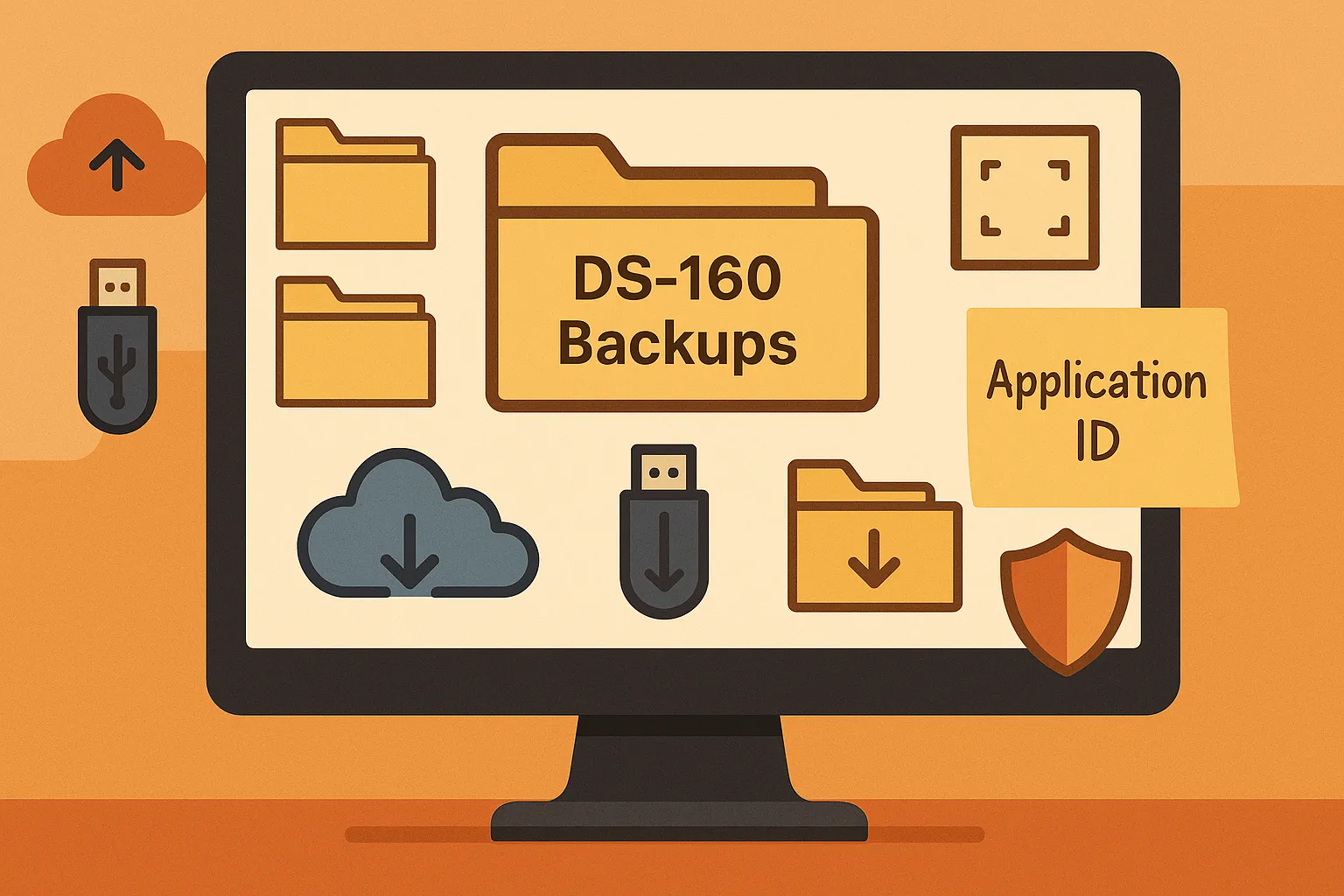
- Photograph or write down the application ID as soon as it appears on the first page.
- Write down the security question and your answer exactly as typed.
- Click Save Application to File at the end of each session, and not on a shared or public computer: the FAQ warns that files saved there “could likely be accessed by anyone else”.
- After submitting, save the confirmation page as a PDF and email it to yourself.
- Put the confirmation number into your appointment account, and check it again if you ever submit a new DS-160.
- Bring the confirmation page to your interview. The FAQ warns: “Without the confirmation page, we may not be able to process your visa case.”
DS160.io keeps your answers, your application ID and your confirmation page in your account, so none of this depends on a sticky note. Filing is free.
This article is general information from official U.S. government sources, not legal advice. Your embassy or consulate decides your case.